Wi-Fi Wireless Security Cameras: How They Work and Do You Need One
Understand the technology behind Wi-Fi security cameras.
Read Now
Best Security Setups
Share:
Key takaways
Wi-Fi wireless security cameras use image sensors to interpret video footage, then process it, and transmit it via your home Wi-Fi to a secure cloud. You can then view this footage from any device connected to the internet (like your phone). There’s no need for an external monitor or a security system hub.
Wi-Fi security cameras can also store footage locally on an SD card, in case your router temporarily goes out. Because they’re simple to install and can be monitored without additional devices, many people find Wi-Fi cameras convenient.
How do Wi-Fi security cameras work?
As the name implies, Wi-Fi cameras transmit video and audio via your home Wi-Fi network instead of a cable.
First, footage is captured via the camera lens and image sensor, very similar to a digital camera you’d use to take pictures.
The footage captured is then processed and analyzed by the Wi-Fi security camera for motion, activity, etc, and is compressed so it doesn’t take too much bandwidth (i.e. doesn’t slow down your internet).
The camera then transmits the processed signal via your home’s Wi-Fi network to a cloud. Footage can also be temporarily stored on an internal SD card.
Once uploaded to the cloud, you can access live footage from anywhere on a device connected to the internet via Wi-Fi or a data plan. This is where people get to experience the “magic” of Wi-Fi security cameras because they can view footage on their phone even if they’re thousands of miles away.
Plug-in vs battery powered Wi-Fi security cameras
Wi-Fi security cameras can be powered by a battery, an outlet (plug-in), or be hardwired to a power source. In that sense, Wi-Fi cameras are not always “wireless,” though they transmit your video wirelessly.
Having a Wi-Fi plug-in camera, like the Arlo Essential or the Essential Pan Tilt takes away reliance on an external battery and provides continuous power — great if you don’t want to charge your camera batteries.
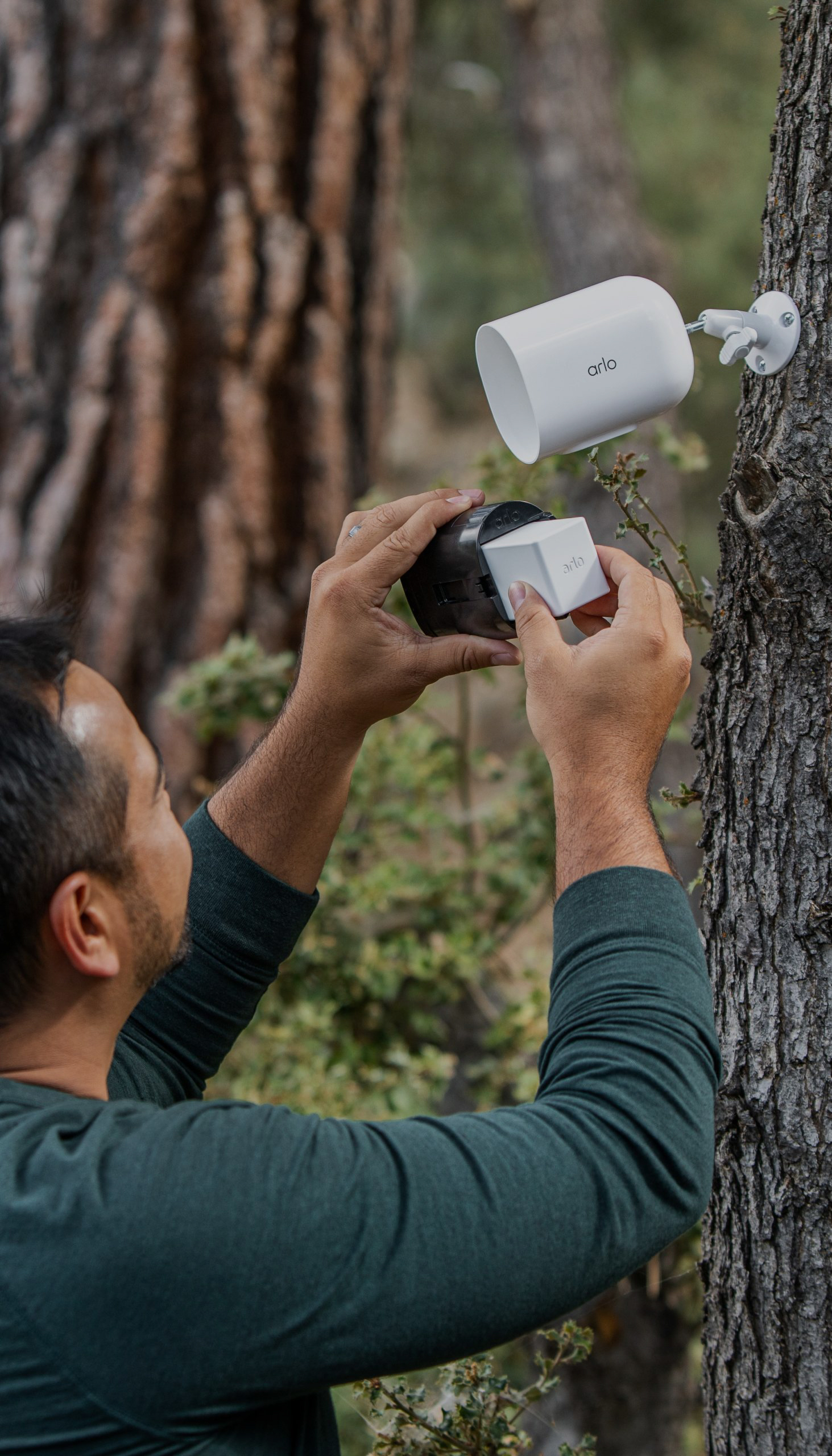
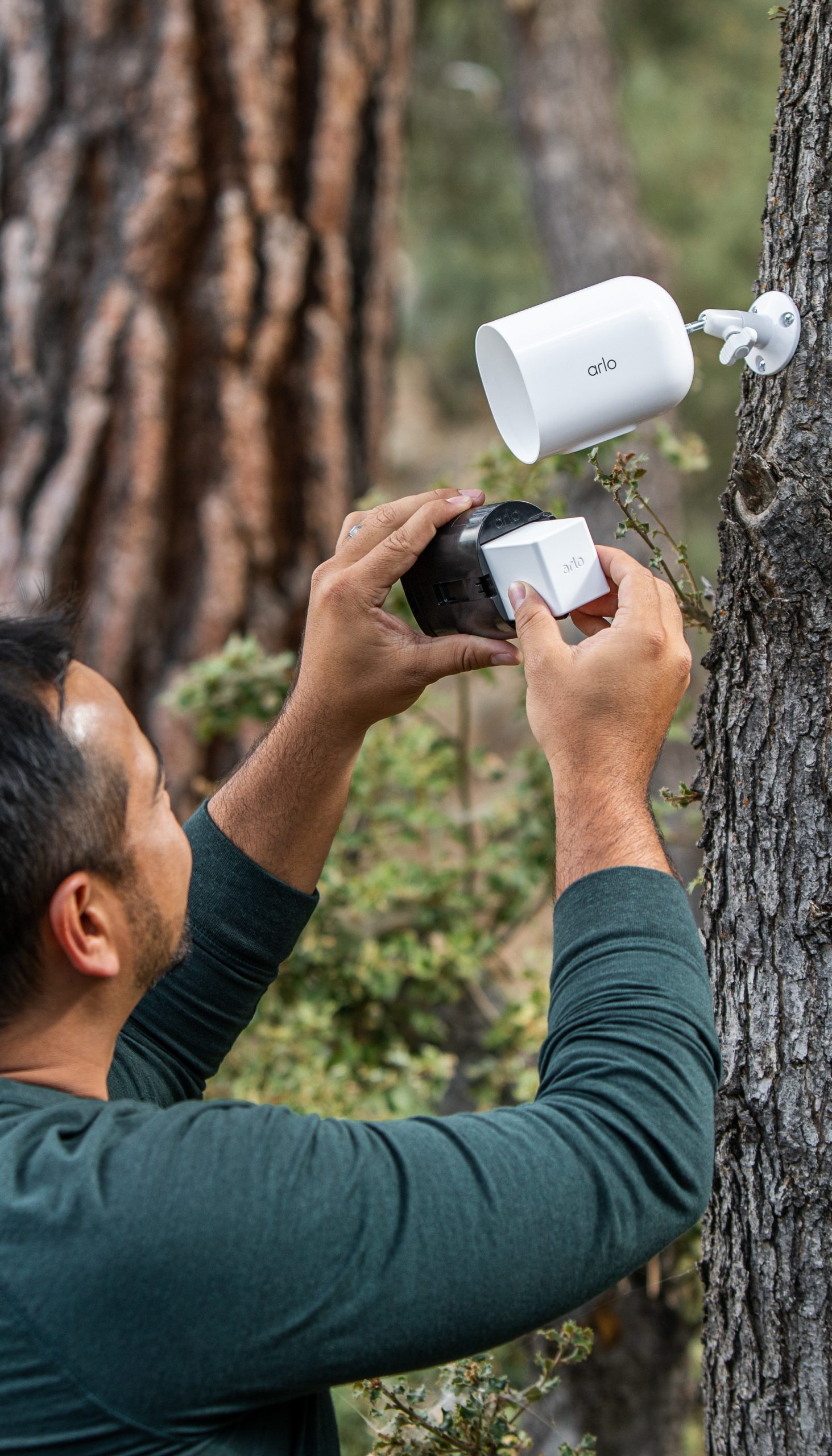
Many outdoor Wi-Fi security cameras, however, are battery-powered since it’s not always convenient or possible to plug in a camera outside (few people want to run extension cables up trees and across yards).
These Wi-Fi wireless security cameras are truly wire-free but need to be charged. If you don’t want the hassle of constantly charging yet another device, consider Wi-Fi cameras with low power mode, like the Arlo Pro Security Camera (6th Gen). Likewise, many of Arlo’s cameras can be connected to solar-powered chargers, which can take charging completely off your hands.
Benefits of Wi-Fi wireless security cameras
Flexible placement
It’s much easier to place a Wi-Fi wireless camera on a tree or fence since it doesn’t need to be wired to the wall of your house.
It’s also a great option if you’re renting and not at liberty to drill holes in the wall or make any other long-term alterations to your place.
Easy installation
Most people can put up a wireless camera and connect it to their Wi-Fi on their own. This is different from wired cameras which require a bit of DIY prowess (or the willingness to pay extra for installation).
Accessibility anywhere
View a live feed of your camera from your phone or a computer, there’s no need for a separate monitor or any additional infrastructure.
Cloud storage
On wired cameras with local storage, footage gets overwritten quickly, sometimes within days. The cloud offers more space for you to keep your video footage a bit longer or download it to your device or another platform.
AI features and other advancements
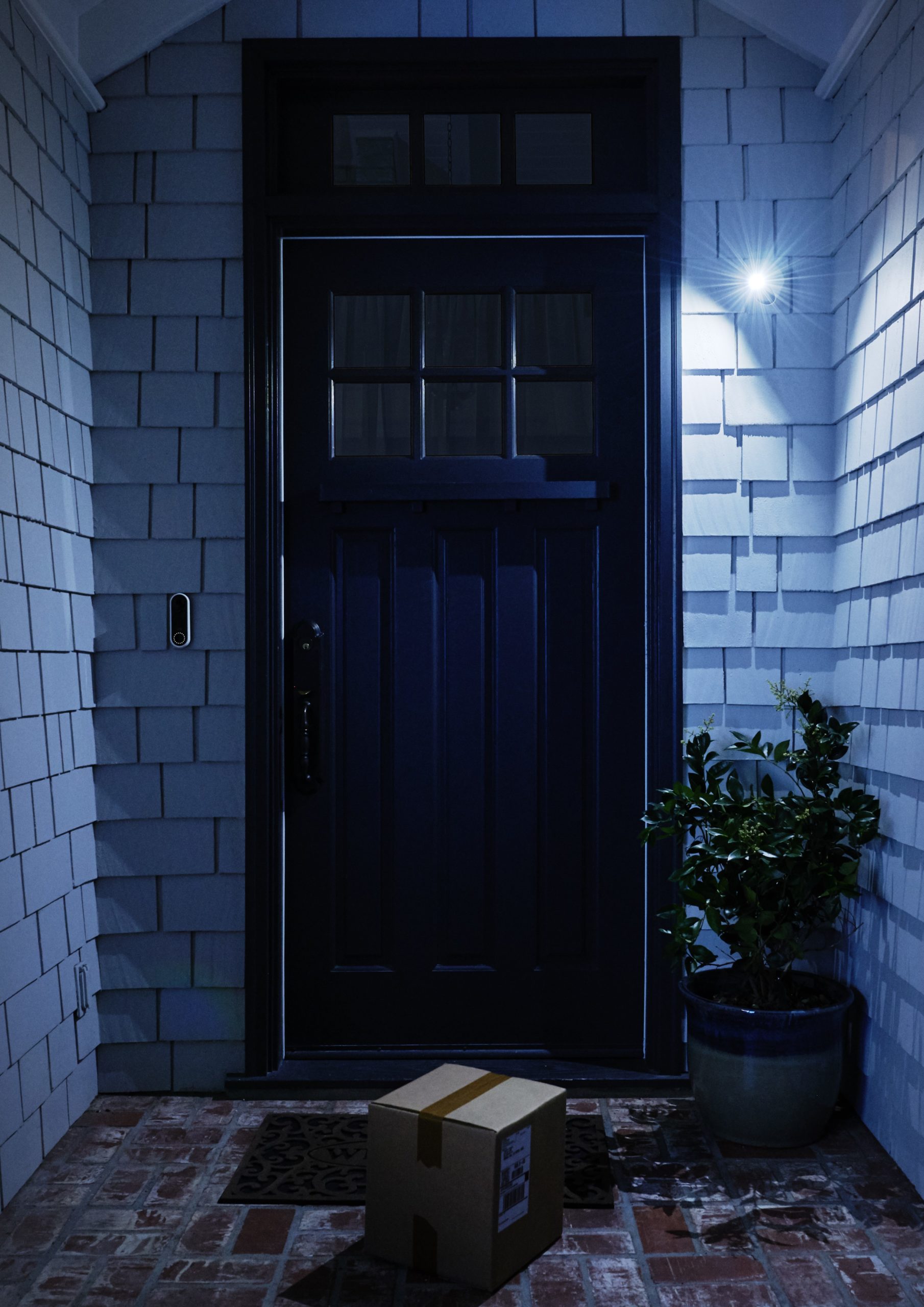
Wi-Fi cameras often come with customizable detection alerts and now AI features that would not be possible on an old-fashioned CCTV wired camera. Things like vehicle detection, package detection, and person or animal alerts give you many options to keep an eye on your home.
Drawbacks of Wi-Fi security cameras
Reliance on internet connection
If you have unreliable Wi-Fi, your camera live feeds may be delayed or blurry. And of course if the signal cuts out often, some footage can get lost.
Possible security concerns
If your security camera is not from a reliable provider (e.g. from a very cheap or unknown brand), it can be prone to security issues, including jamming. A good Wi-Fi camera will come with frequent firmware updates that can prevent these issues.
Best of both worlds: Wi-Fi cameras that can work with LTE
Out in the sticks? Keeping an eye on a job site? In this case you won’t be able to rely on Wi-Fi to monitor your property. The good news is that some cameras, including the Arlo Go 2 can use both a Wi-Fi signal and an LTE (cell phone tower) signal to record and transmit footage.
Wi-Fi cameras vs traditional wired cameras
Make the most of your Wi-Fi security camera
Know exactly when kids got home from school, if a neighbor stopped by, or an unknown vehicle pulled into your driveway with Arlo Secure. It’s Arlo’s companion plan for all of our Wi-Fi security cameras and the perfect way to customize alerts as well as get the most out of your security devices.
Currently in testing, our Fire Detection and Advanced Audio Detection lets your camera notify you of a possible fire or if a certain sound (like broken glass, a gunshot, or a scream) is captured by the camera audio.
Frequently asked questions
Do I need a wireless Wi-Fi camera?
If you want a security camera that’s easy to install and control, can be placed in many different locations around your property, can be monitored remotely from any device, and you don’t have concerns about your internet reliability, then a Wi-Fi camera is a great choice.
What features should I look for in a Wi-Fi camera?
Make sure you’re choosing a camera with high resolution (1080p or higher), one that has night or color night vision, and is able to provide you with reliable alerts. Beyond that, consider which features are most important to your situation, like package alerts, two-way audio to chat with neighbors, or one that is compatible with a solar charger.
What are some of the more reliable Wi-Fi cameras on the market?
Some of the better known Wi-Fi camera providers include Arlo, Google Nest, Ring, and Vivint.
How are Wi-Fi security cameras powered?
Wi-Fi security cameras can be plug-in, battery-powered, or wired like CCTV cameras. That means you’ll need to either locate an outlet or power source or be able to charge a camera battery with an external charger.
Will a Wi-Fi camera use too much of my internet bandwidth?
Your internet provider should offer you at least 5 Mbps. If your Wi-Fi is too slow you may get jerky or delayed footage.
Can I install a wireless Wi-Fi camera myself?
Yes, one of the appeals of Wi-Fi wireless cameras is that they’re simple to install and connect yourself. The overall complexity will depend on how many cameras you’re getting and whether or not they’re battery-powered or need to be plugged in.
Can a Wi-Fi security camera work without the internet?
If your Wi-Fi goes out the camera may continue recording to local storage until it runs out of space, but you won’t be able to review the footage from your phone because the camera won’t be able to transmit it. If you live in an area with unreliable internet, it may be best to get a camera with LTE capabilities.