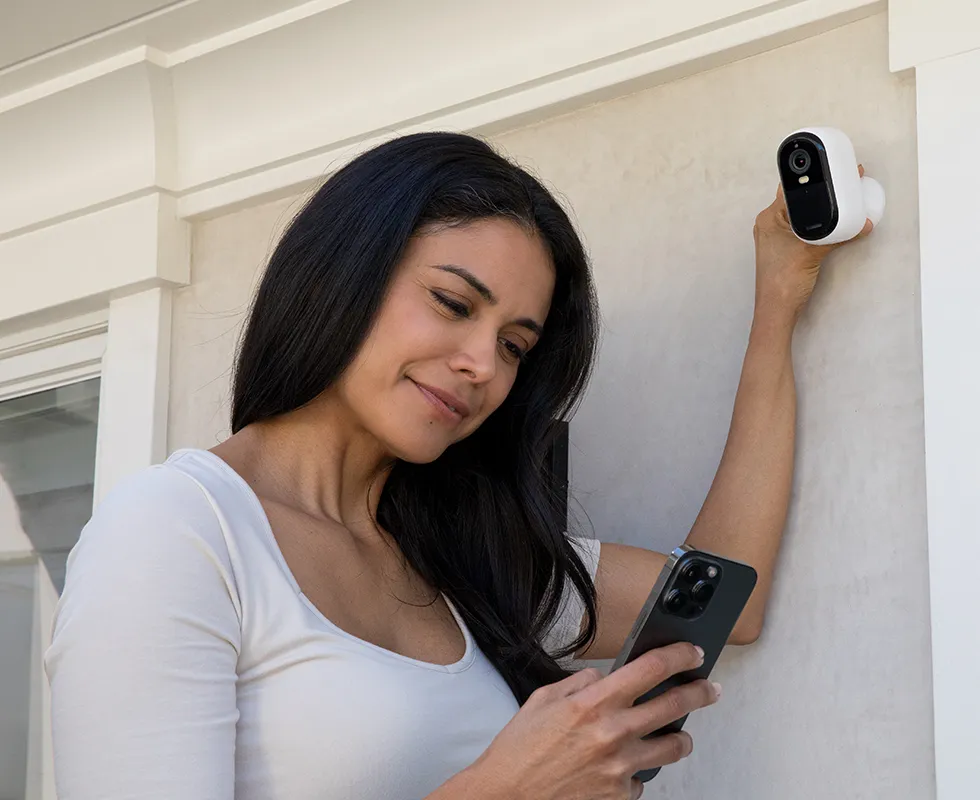
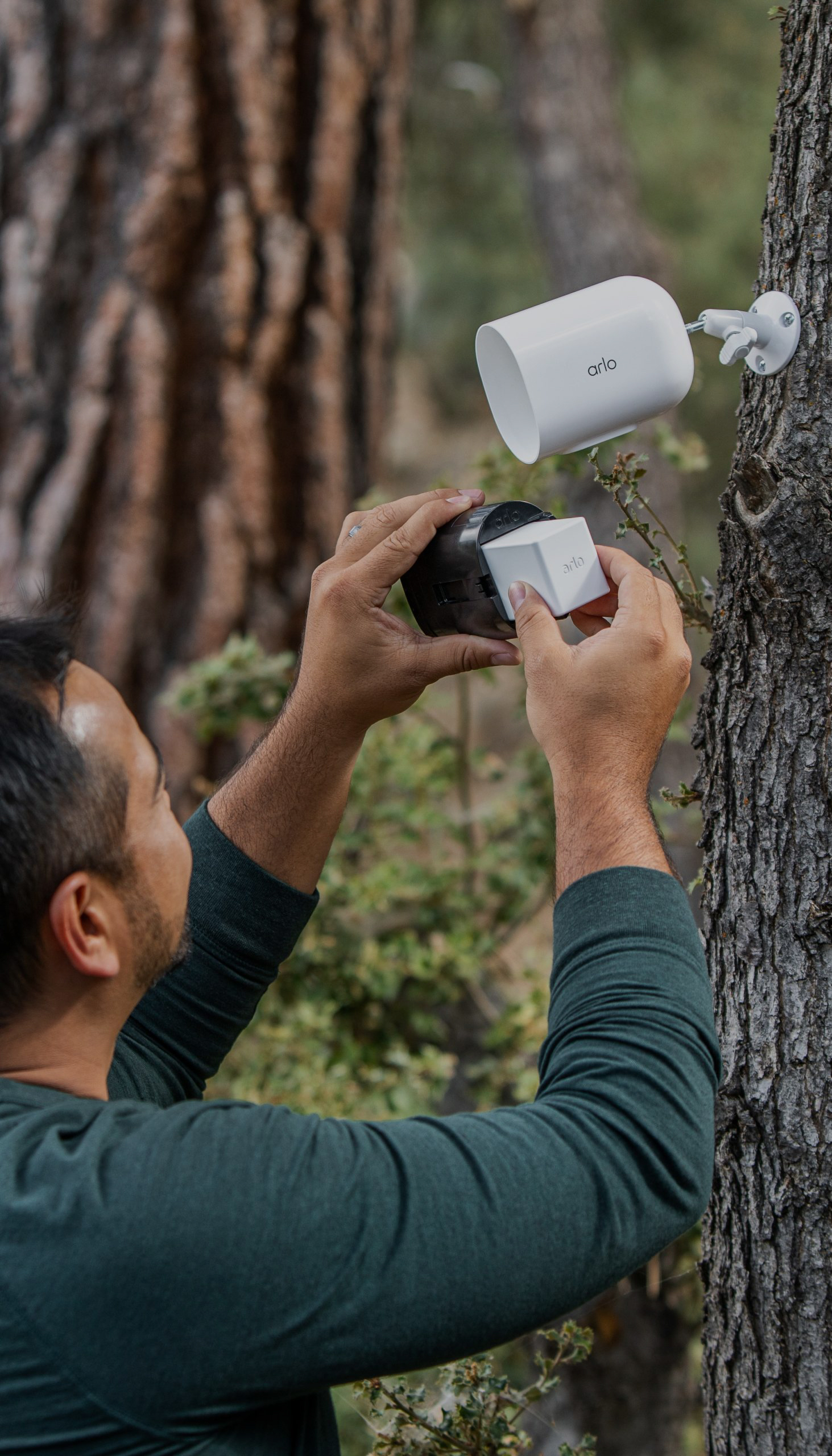
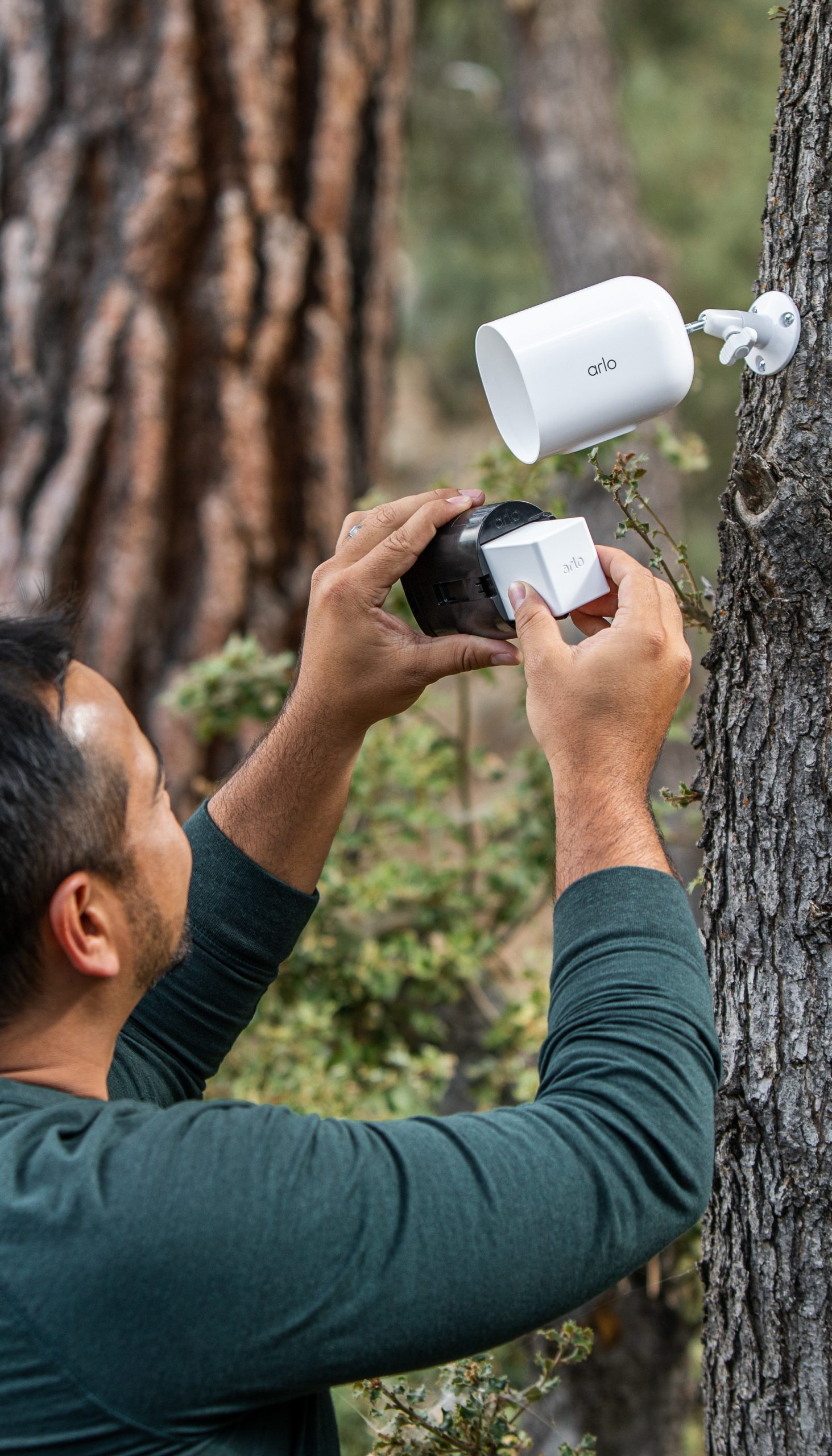
With Arlo, you can save on camera installation by installing them yourself.
Read Now
Home Security Tips
Share:
Key Takeaways
Professional security camera installation can cost anywhere from $25-$500 per camera, while full security systems can range anywhere from $600-$2k.
DIY install security camera options, like Arlo, help homeowners save money by avoiding labor costs.
An Arlo Secure subscription adds cloud storage and AI-powered features, giving you more value without expensive hardware.
Security camera costs can quickly add up. Beyond the purchase of the cameras themselves, you must also consider installation costs. But how much does it cost to install security cameras? In this article, we’ll explore the breakdown and how to find smarter ways to save on your home security.
The true cost of security camera installation
According to Home Advisor, security camera installation costs typically range from $25 to $500 per camera, while the average cost to install a complete security camera system ranges anywhere from $594 to $2,039. Keep in mind that costs could be higher too if you choose a traditional wired surveillance camera system that relies on specialized equipment, such as a DVR, hard drives, or monitors, because they include additional equipment.
Look for a cost-saving alternative
Options like Arlo provide budget-friendly solutions that don’t require additional equipment and avoid expensive installation. Most Arlo security cameras enable you to access a live video feed using only your smartphone.
Even better, with the Arlo Secure subscription starting at $7.99/month, you can unlock even more features like:
60-Day Video History for security events
Advanced AI features such as Motion and Person Detection
Cloud storage without needing extra hard drives
This combination eliminates unnecessary equipment and lowers your long-term costs.
What impacts security camera setup costs?
Several factors can influence the cost of installing a home security camera system, including:
Type of security camera system: Wired systems typically cost more to install than wireless ones because of the complexity of running cables. For example, installing wired cameras around your property will be more expensive than installing a flexible wireless security system, so it is important to keep this in mind when choosing between wired vs. wireless security cameras
Number of cameras: Installing more cameras means higher labor and equipment costs. Figure out the right number of cameras for your home to avoid unnecessary expenses
Location and Accessibility: Hard-to-reach areas or outdoor installations may require additional time and equipment, whereas indoor cameras are typically less expensive to install.
Security camera features: Advanced features like motion detection, facial recognition, or 4K resolution often increase the cost of the camera itself. However, companies like Arlo offer budget-friendly, feature-packed cameras that provide state-of-the-art technology without breaking the bank.
Labor charges: Professional installation labor charges account for 50% to 70% of the total installation cost.
Certainly, installation costs contribute to the perception that home security is expensive. However, there’s an easy way to save on installation without compromising your home security.
DIY install security cameras: save on labor.
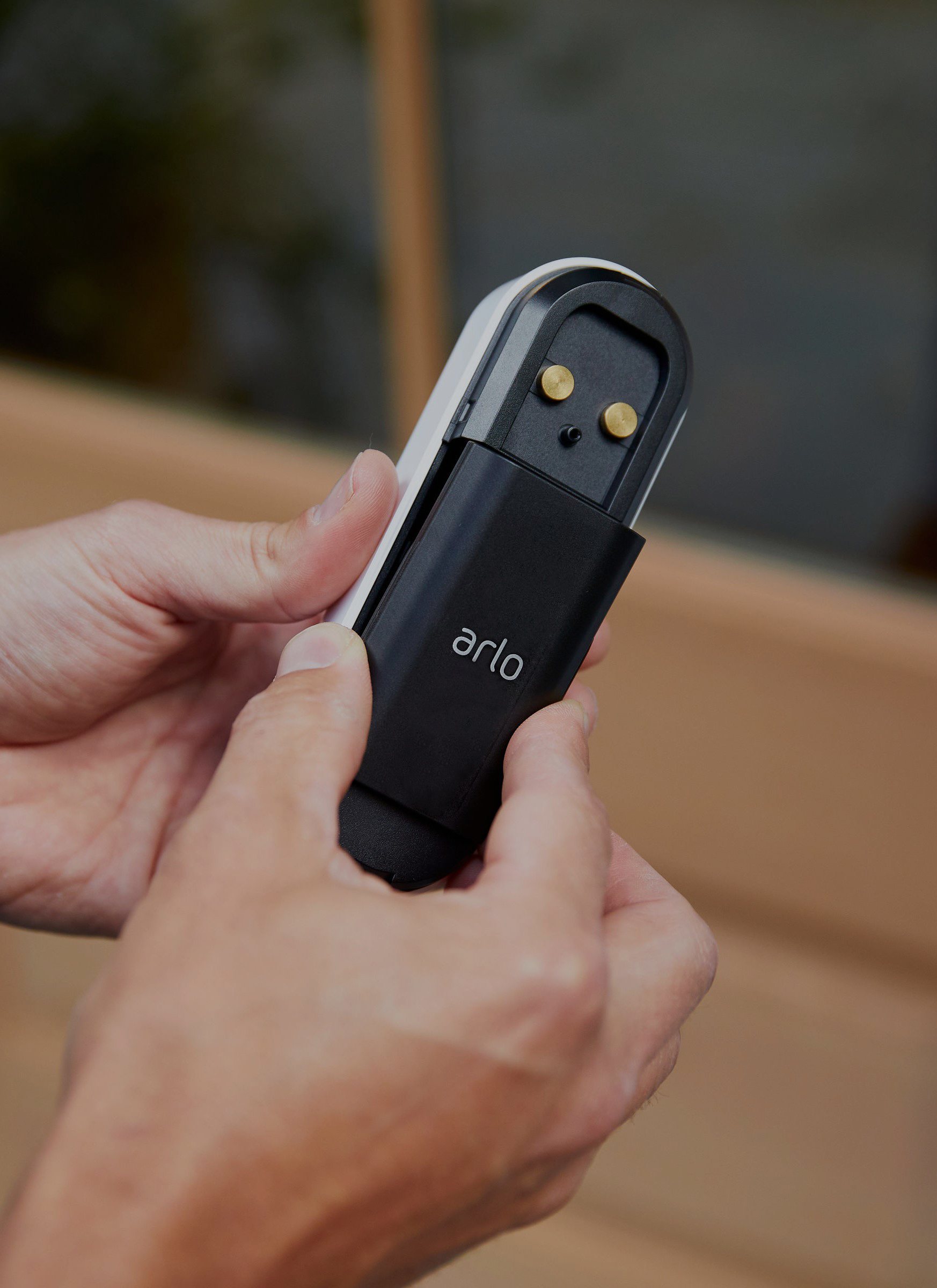
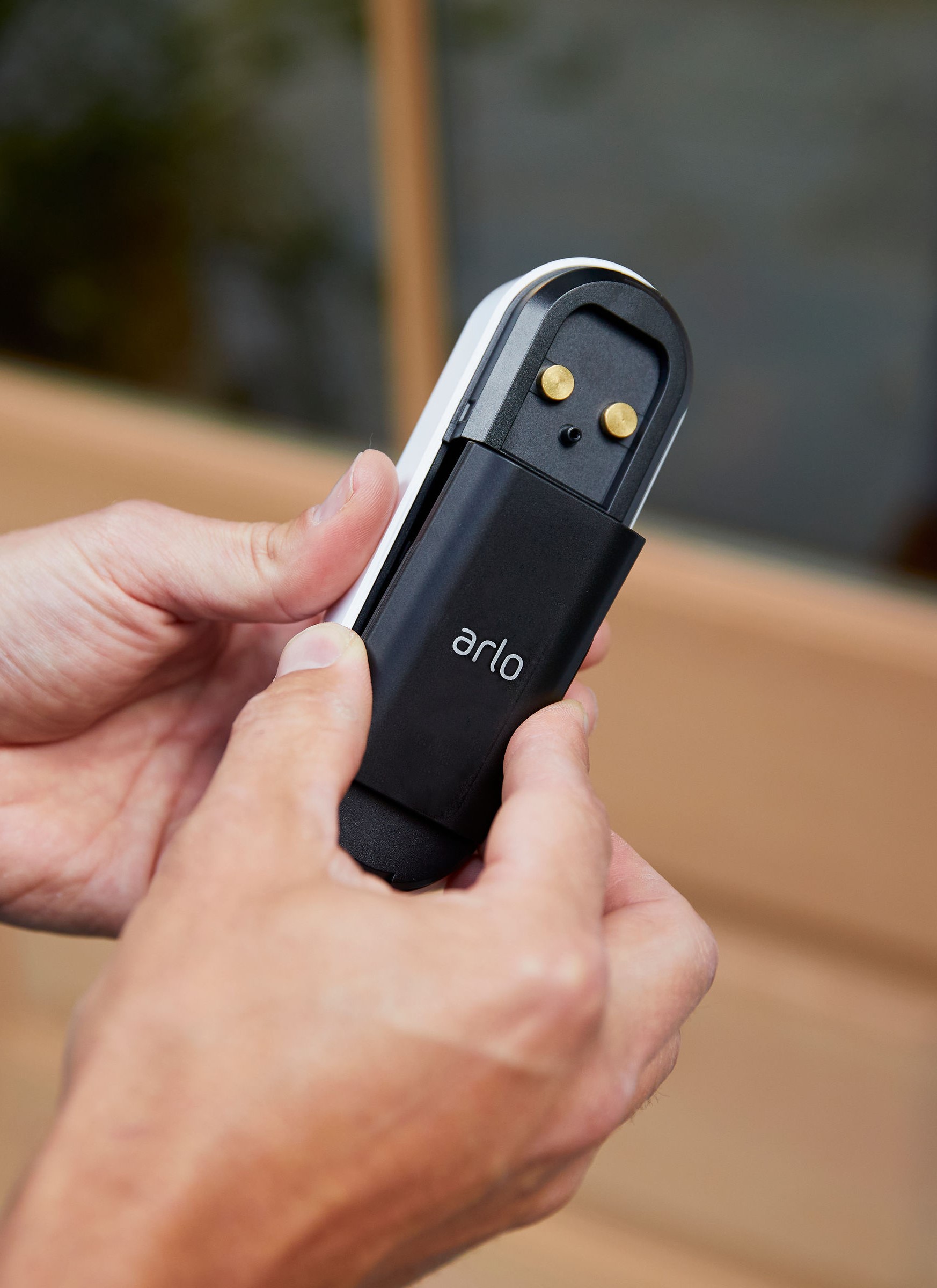
One of the easiest ways to reduce your security camera installation cost is to go the DIY route. DIY, or “do it yourself” systems are designed for simple setup and often require just a few screws or a plug-in connection.
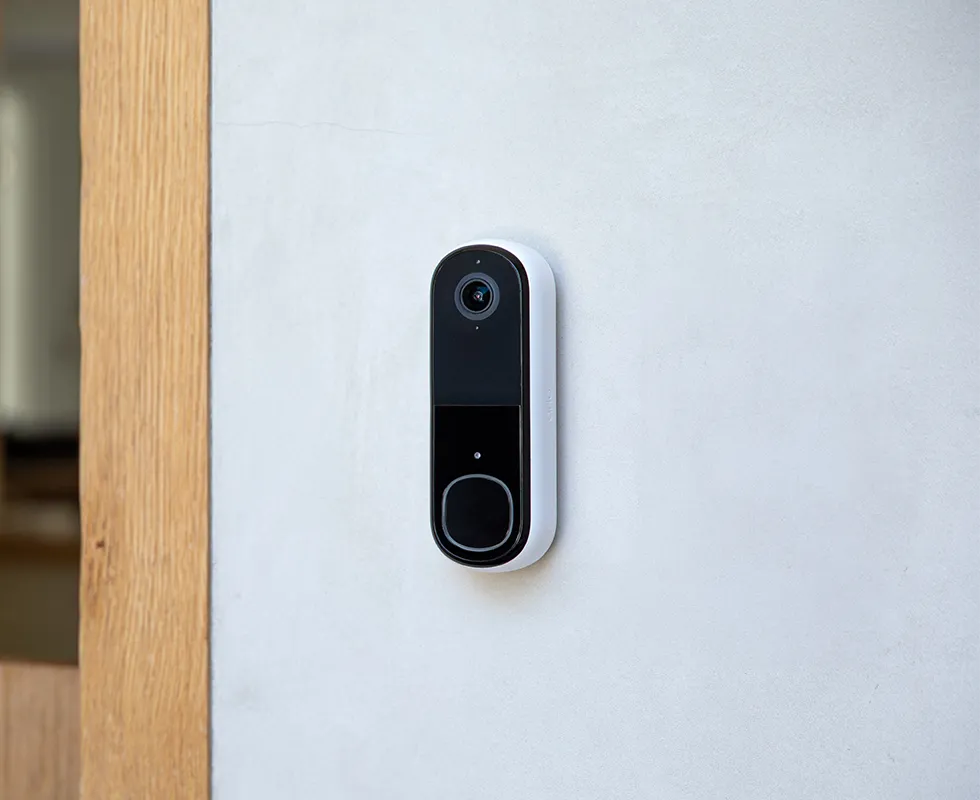
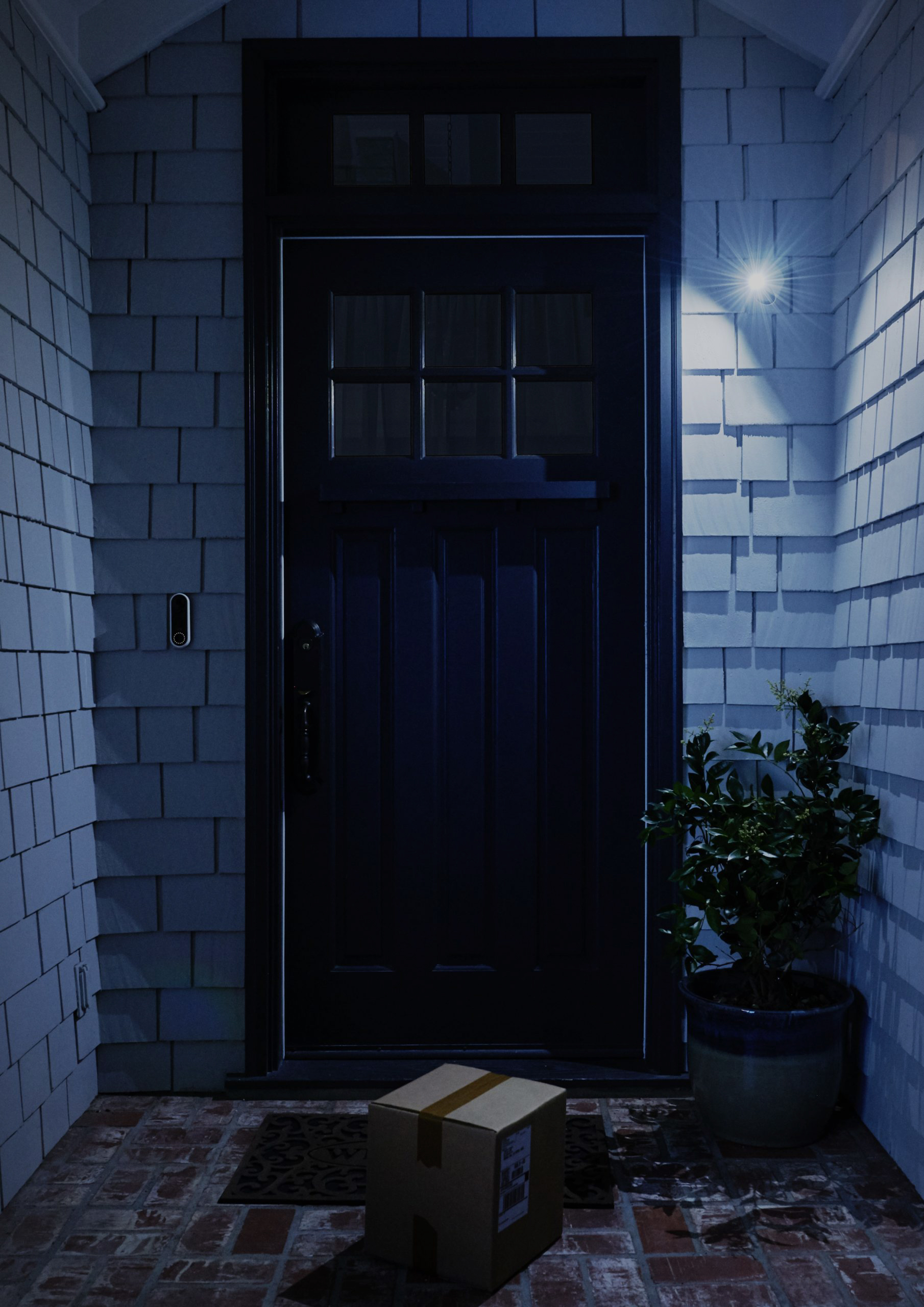
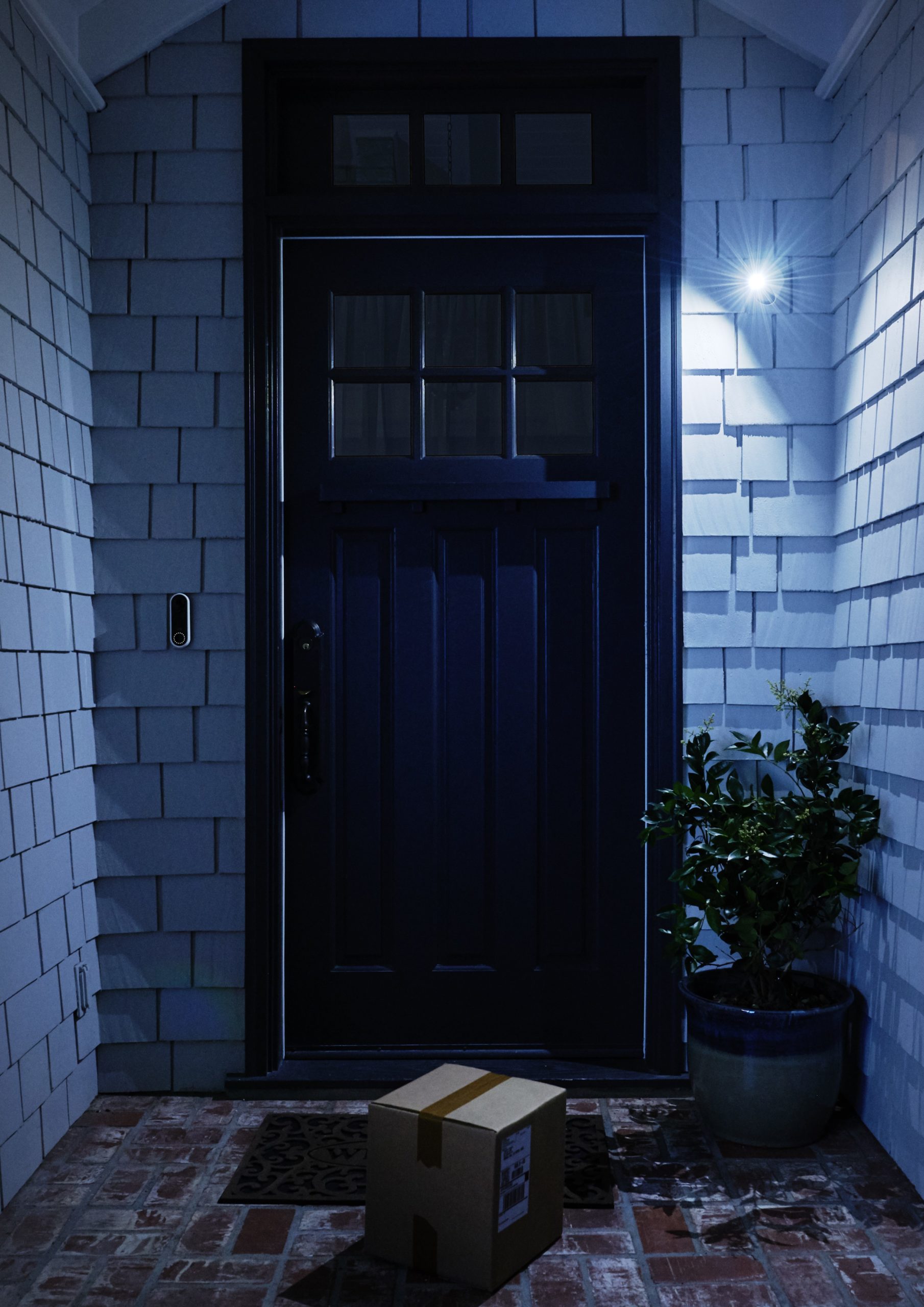
For example, the Arlo 2nd Gen Video Doorbell only needs two screws to mount. With DIY installation, you can cut out the cost of labor and can invest those savings into additional devices like the Arlo Home Security System, or an Arlo Secure plan for smarter, more comprehensive protection.
Best easy-to-install security cameras.
When shopping for easy-to-install security cameras, try to look for wireless options for simpler and flexible installation. Here are three options to get you started that are affordable, wireless, and don’t require professional installation.
1. Arlo 3rd Gen Essential Indoor Camera.
The Arlo Essential Indoor Security Camera (3rd Gen) plugs directly into a power outlet, which means you can easily set it up yourself at any time. This camera is available in HD and 2K ($39.99) models, and can connect to your home Wi-Fi network. It also features 2-Way Audio, Night Vision, and an Automated Privacy Shield for an added boost of protection.
2. Arlo 3rd Gen Essential Wireless Security Camera.
Another feasible option is the Arlo Essential Security Camera (3rd Gen). Starting at just $69.99, this wireless camera features a wide 130° Field of View, 2-Way Audio, Color Night Vision, and more.
3. Arlo 3rd Gen Essential XL Security Camera.
The Arlo Essential XL Security Camera (3rd Gen) camera starts at $79.99 and shares the same features as the previous model but offers up to 4x the battery life. With the additional battery performance, the camera can be charged less frequently, allowing you to install it in places that aren’t near a power outlet. An accessory like the Solar Panel Charger could be a great addition to this camera as well, allowing you to truly “set it and forget it.”
Take the DIY route and protect your home with Arlo today.
Professional installation can be costly, but you don’t have to sacrifice quality to save money. By choosing easy-to-install Arlo cameras, you avoid high labor fees while still enjoying the luxury of advanced security.
Pair your DIY setup with an Arlo Secure subscription to unlock additional benefits like cloud storage, AI-powered detection, and complete peace of mind, all without the extra cost of wires, hard drives, or installation crews.